
There are different options for viewing leads. The following submenus are available:
- Lead inbox
- Transferred leads
- Leads in progress
- All leads
1. Lead inbox (mostly for lead providers)
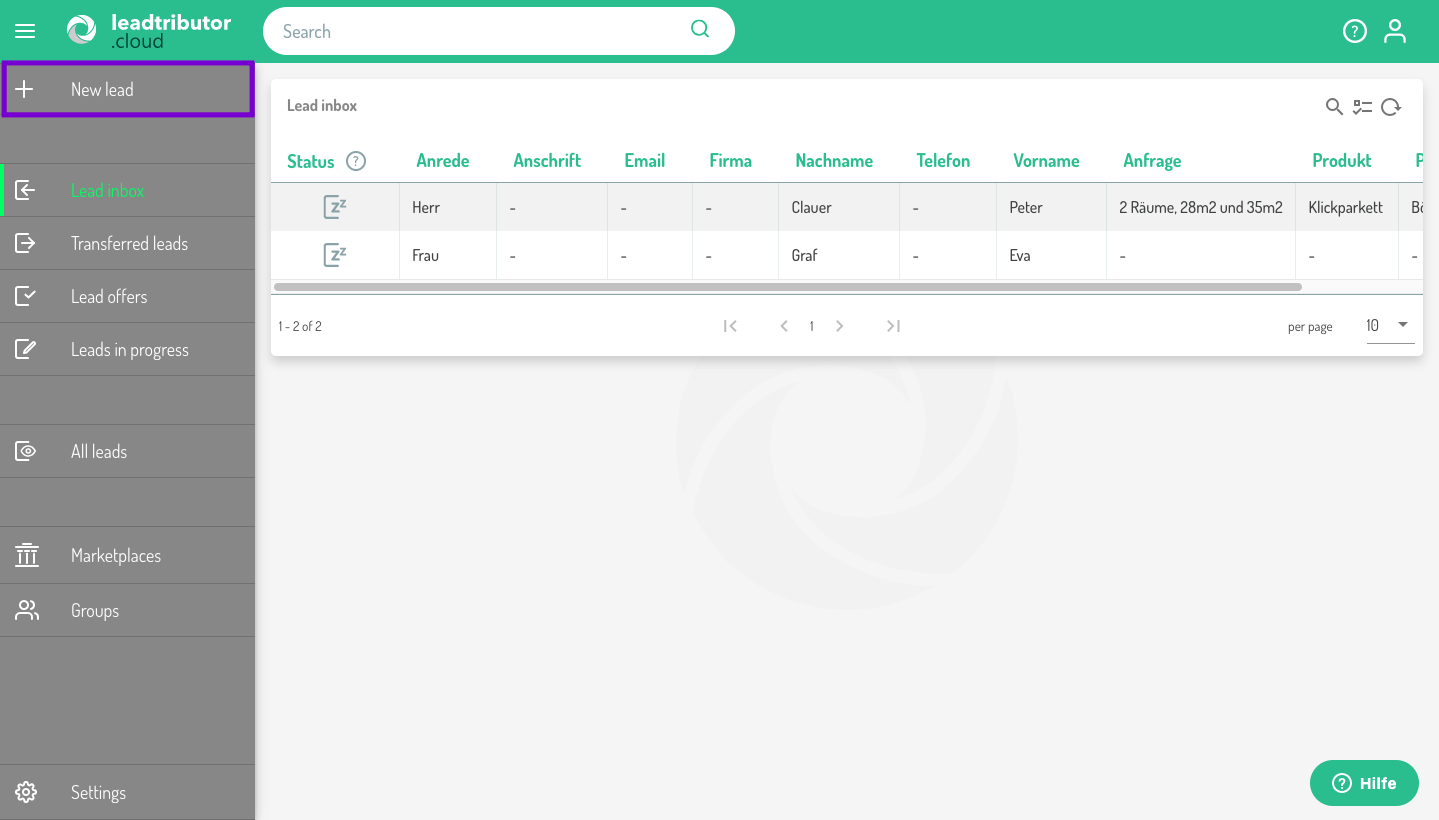
Here, you can view all the leads, you have created yourself. In the column titled "status" you are shown whether the lead is new, has not yet been picked or has been withdrawn. With a double click you can open the lead and, if necessary, edit the information.
2. Transferred leads (mostly for lead providers)
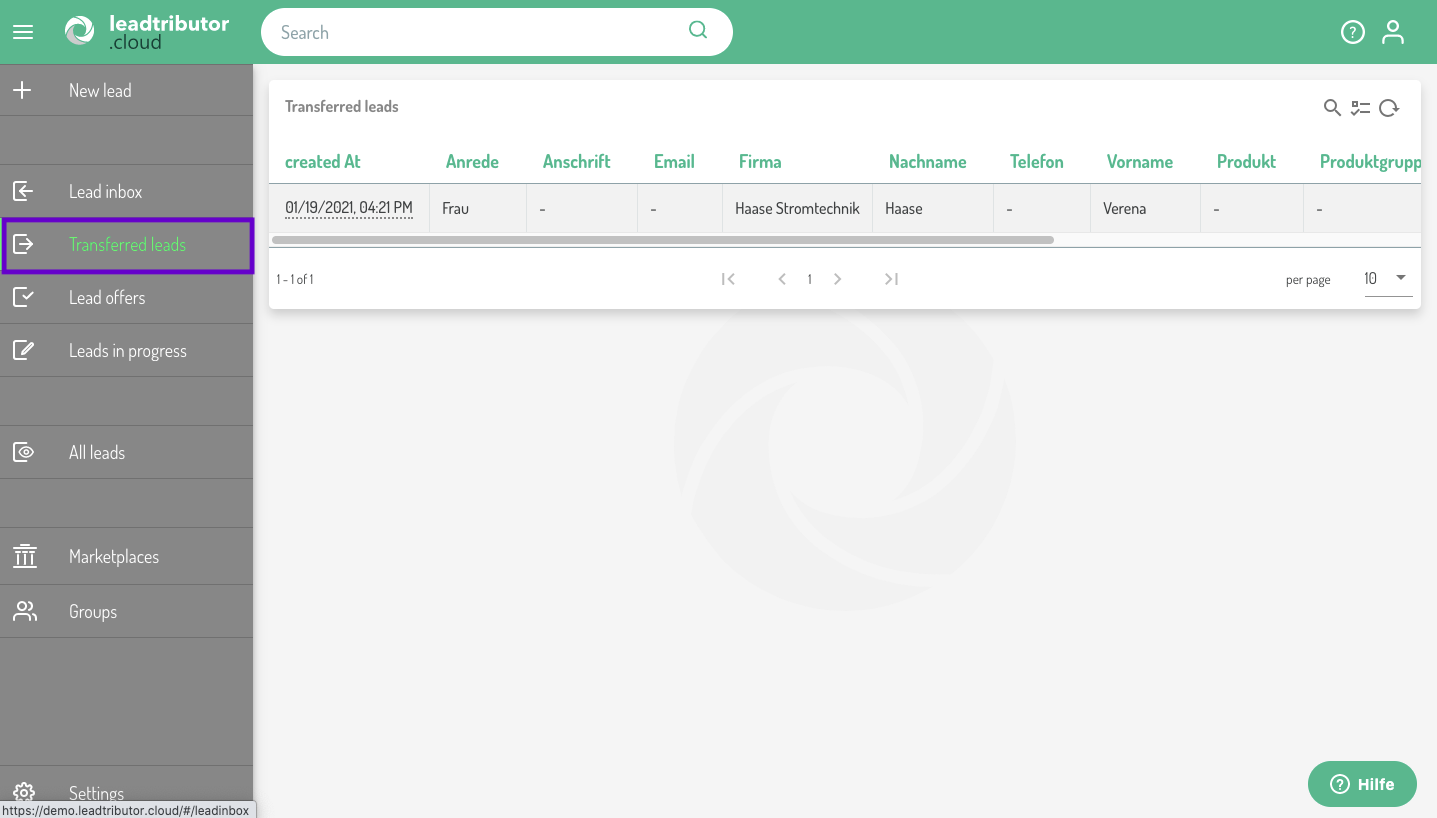
Transferred leads are those, which you have offered via a marketplace. This provides an overview of all leads, that are currently being progressed by your partners.
3. Leads in progress (mostly for lead acceptors)
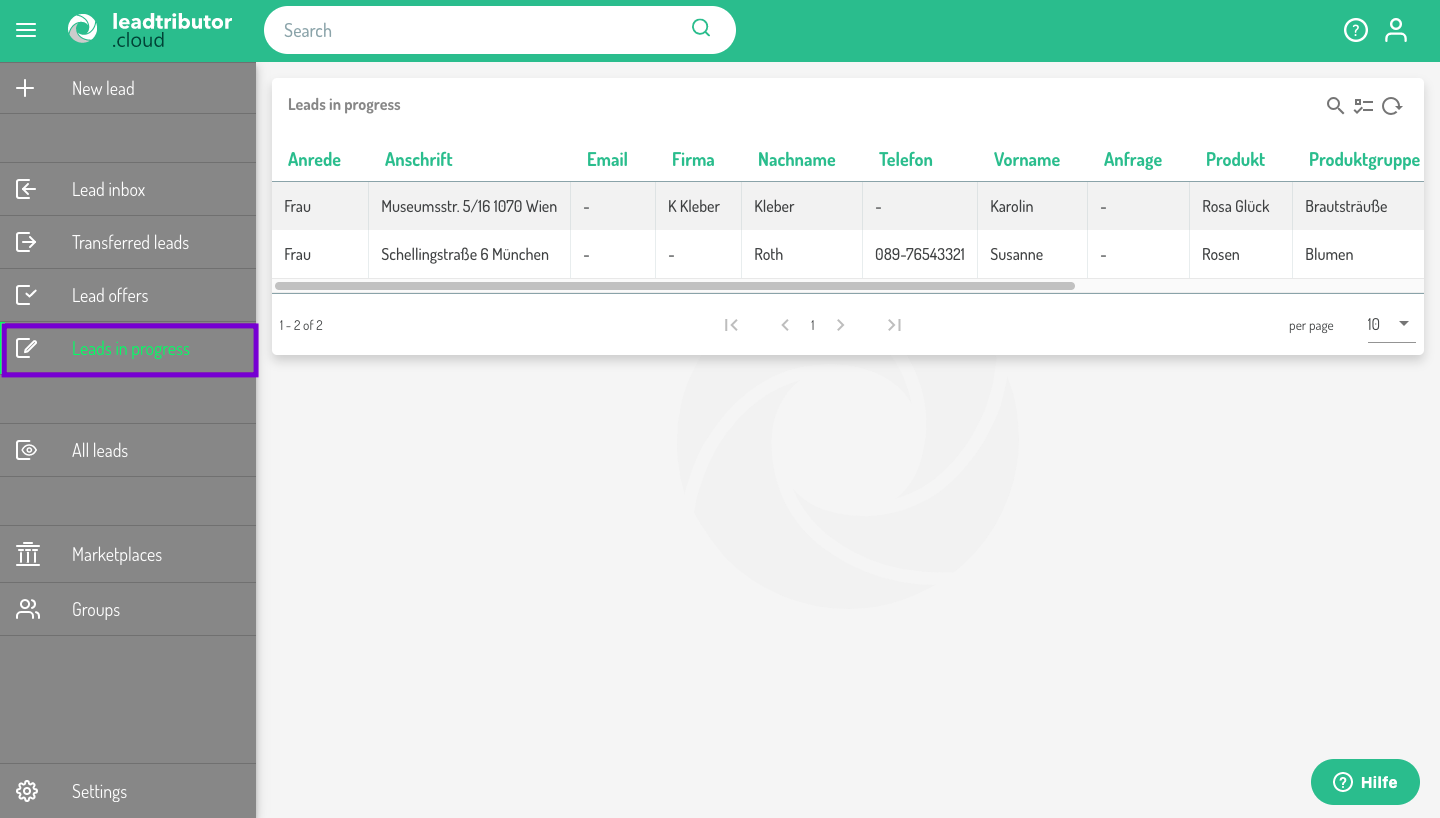
This section is only relevant to you, if you progress leads yourself as a lead acceptor. Here you are provided with an overview of all the leads, that you have accepted or are currently processing.
4. All leads (mostly for lead providers)
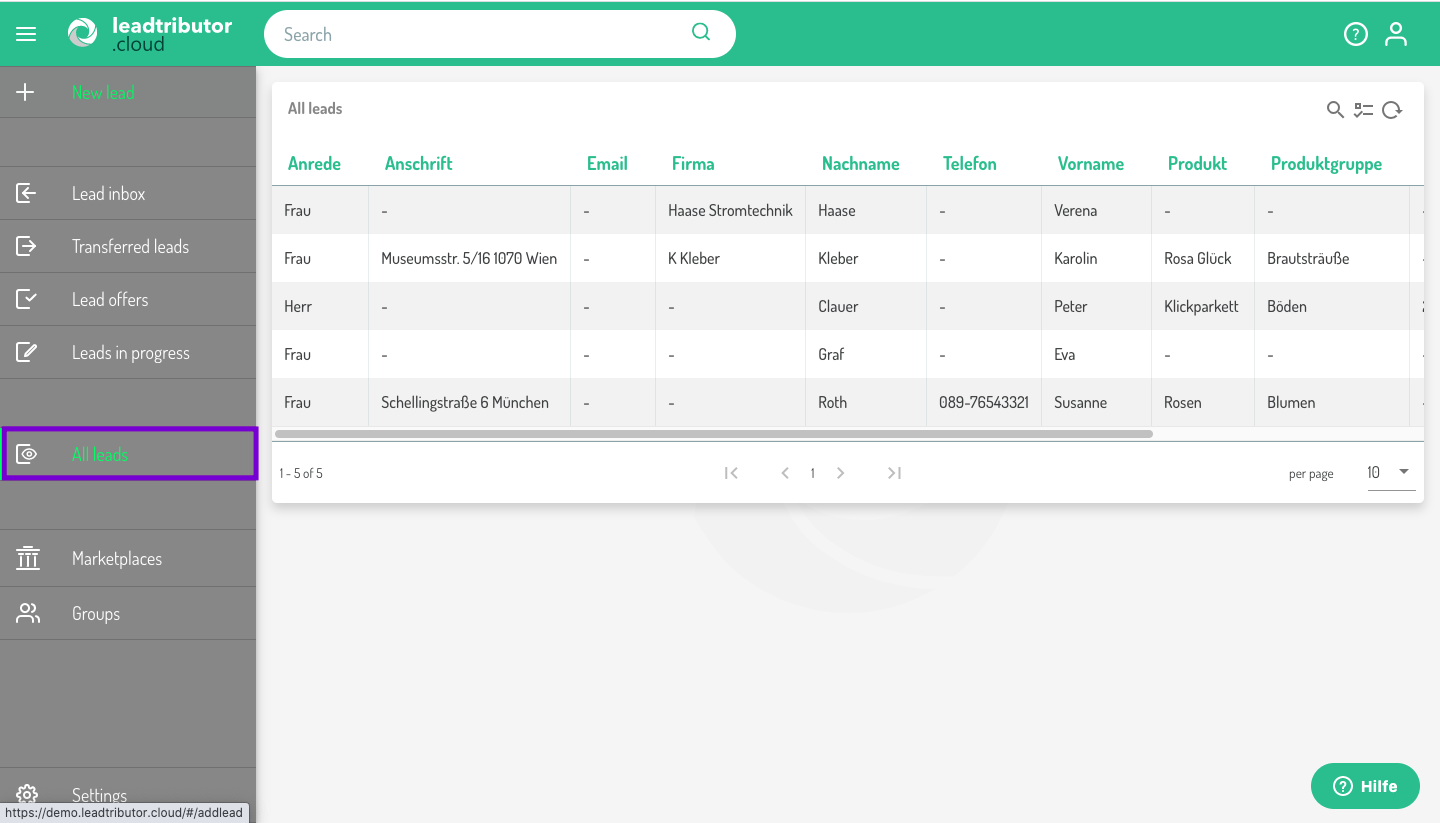
Here you are literally shown all leads, that you could also finde in the sections mentioned above.
Comments
0 comments
Please sign in to leave a comment.