
Use the lead list All leads, when you:
- want an overview over all leads, no matter from which marketplace they originated
- want to filter your lead overview by specified criteria
- want to look for a certain lead
To search for certain criteria within all your leads, open the lead list All leads in the left sidebar:
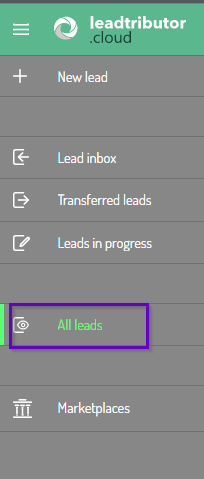
Lead overview
In the area All leads you are given an overview of all leads, that you have either created or are working on:
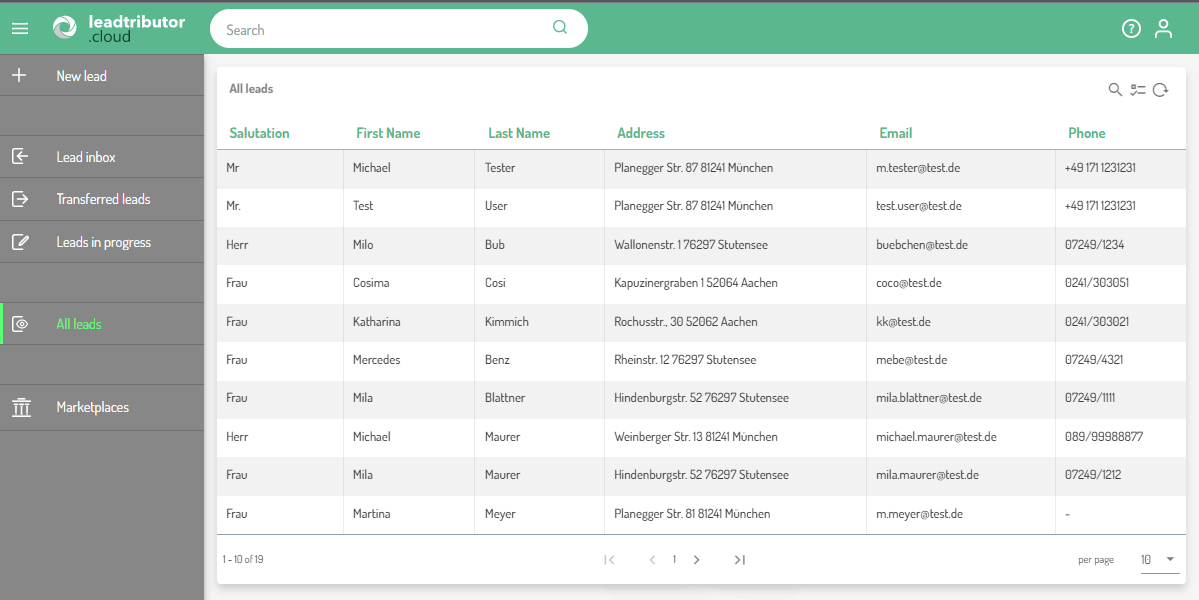
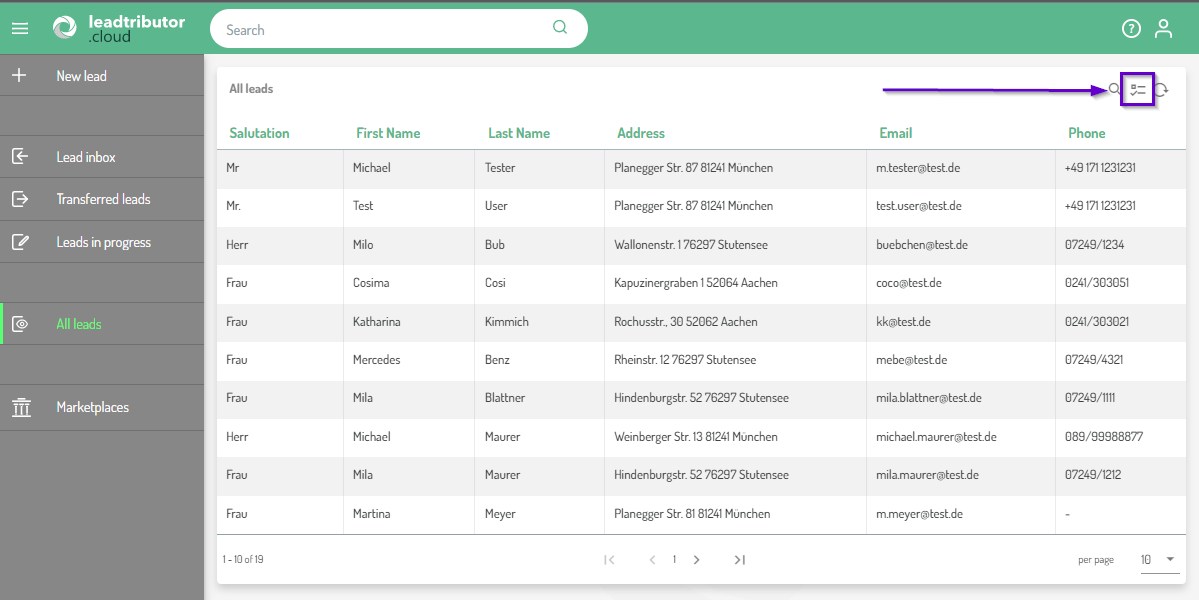
Selecting the displayed columns in your lead overview
You can select the columns that will be displayed within your lead list. To do this click on the middle icon on the top right.
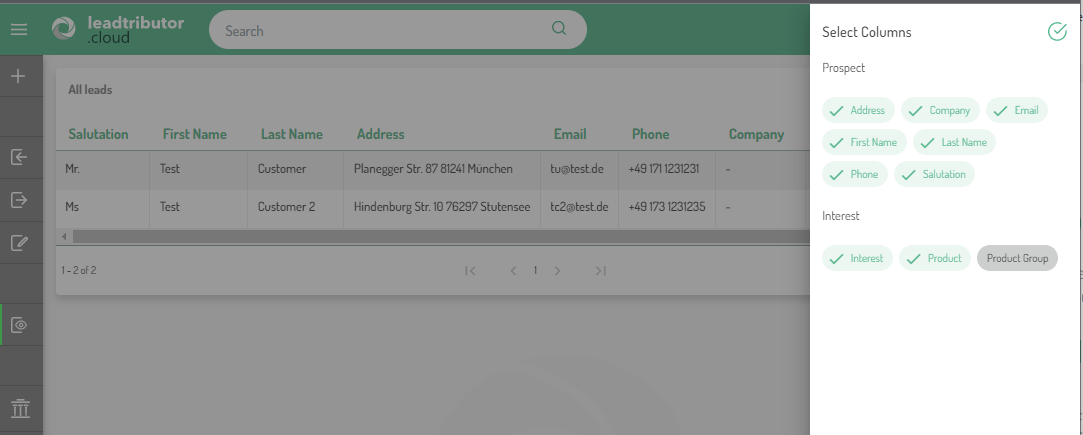
Now you can select, which of the columns you want to be shown in the overview by clicking on them.
Searching for a specific lead
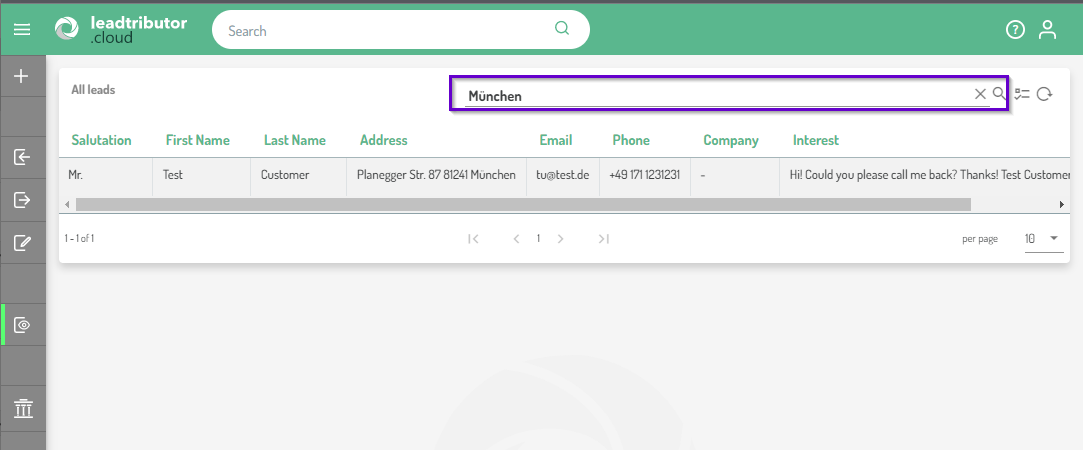
You can search for any lead or any content of a lead by searching for specific information via the search function. Click on the magnifier icon on the top right and enter a search term. Note that the search is applied to all columns in the overview
Comments
0 comments
Please sign in to leave a comment.