
Learn how to create a marketplace here. Please note that marketplaces are a paid feature. By creating a marketplace, you agree to be billed.
1. Click on the marketplace icon in the navigation on the left side
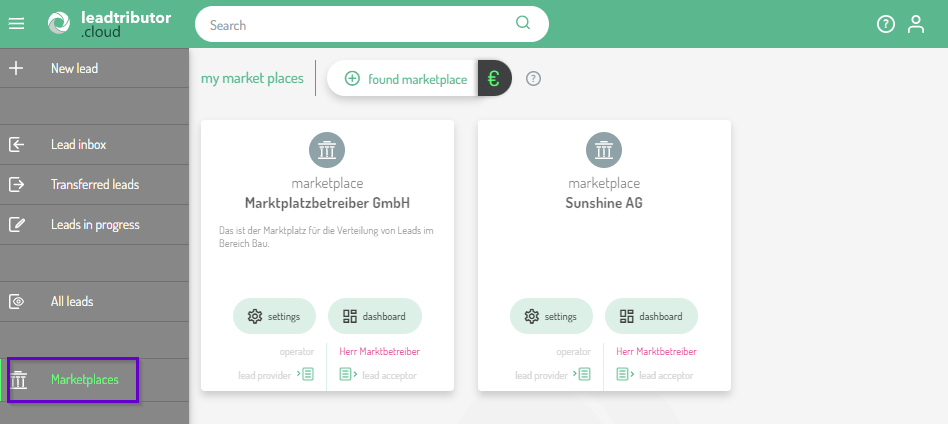
Now you are in the marketplace management. Under My marketplaces you can create a new marketplace by clicking on the + found marketplace symbol:
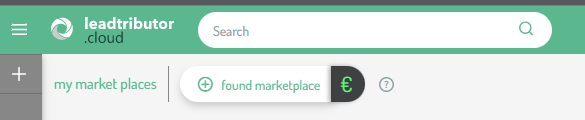
2. Give your marketplace a name:
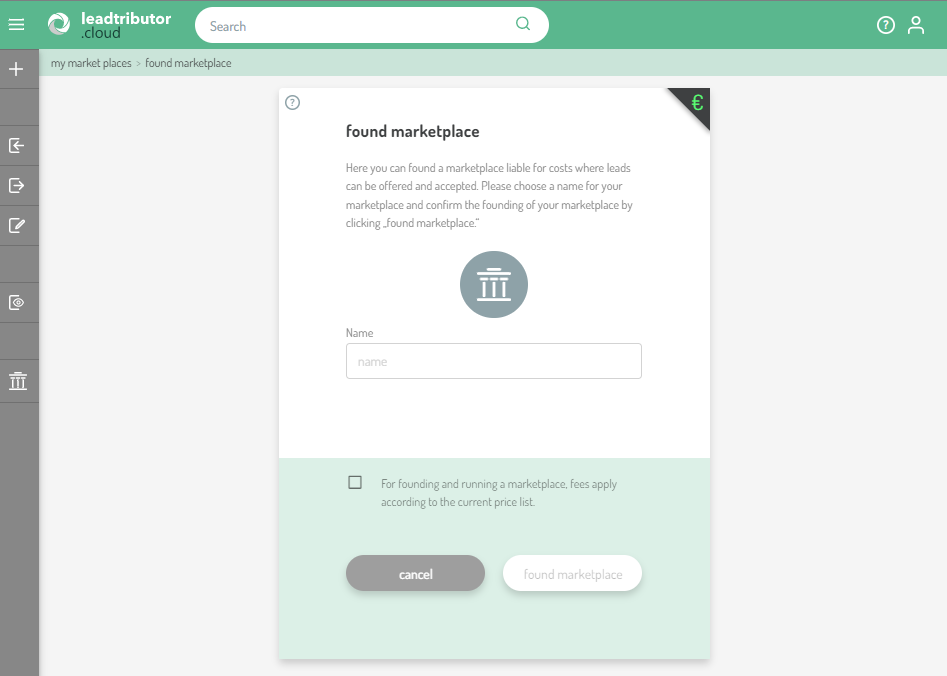
Once you have chosen a name, confirm the prices for creating and running the marketplace according to the price list and then click found marketplace.
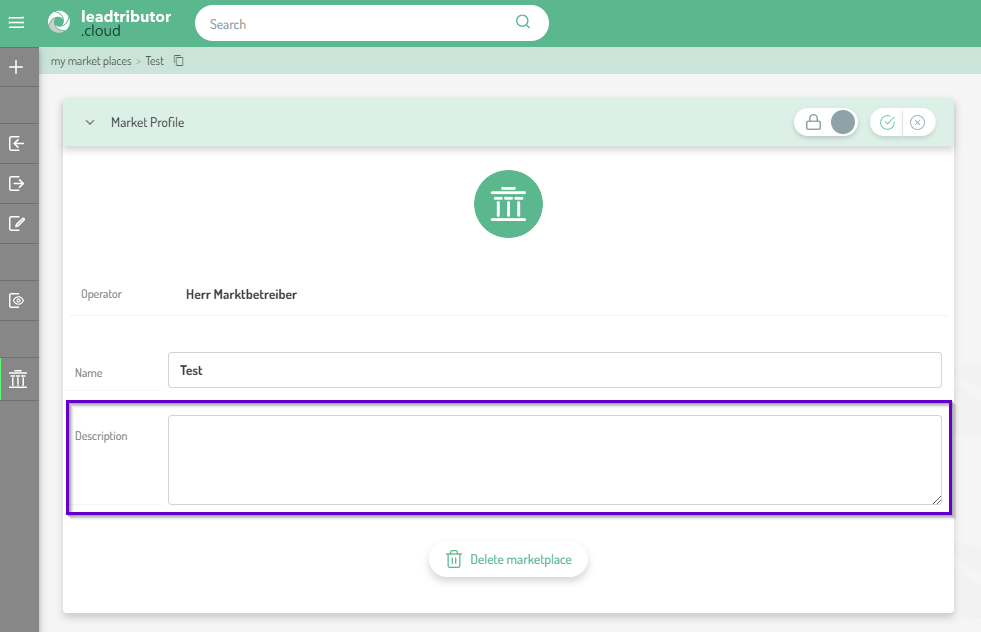
3. Optional: Add a marketplace description
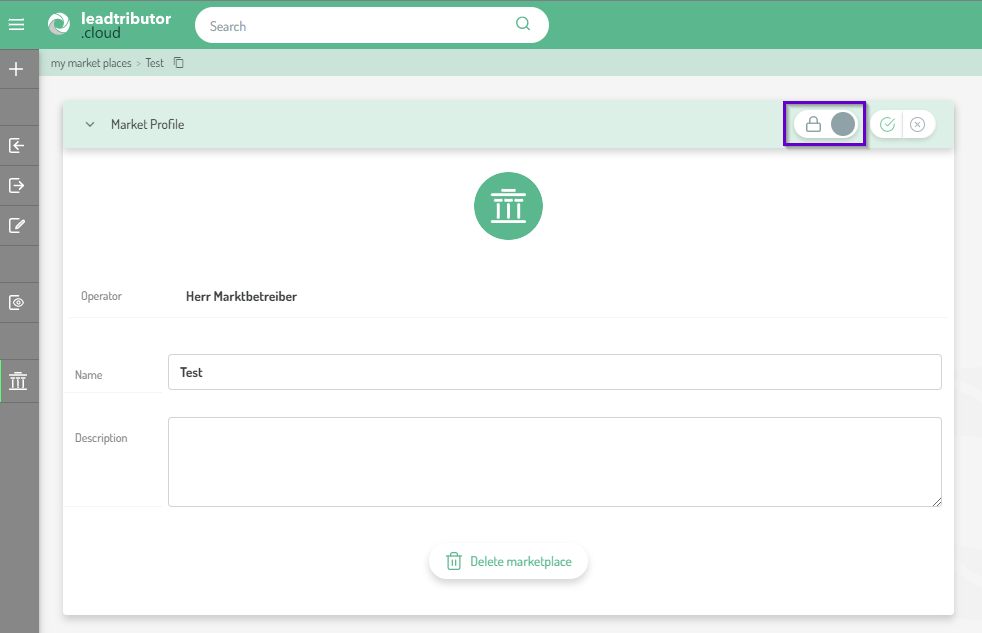
You can now press the pencil icon in the Market Profile section to add a short description to your marketplace. When you are done, click on the checkmark to save the information:
3. Switch your marketplace to live
You should only switch your marketplace to Live once you have set the distribution settings and sales pipeline and invited your participants. From this point on, leads can be posted and offered on your marketplace.
Comments
0 comments
Please sign in to leave a comment.