
You can edit marketplace participants at any time via your marketplace settings:
To remove participants, proceed as follows:
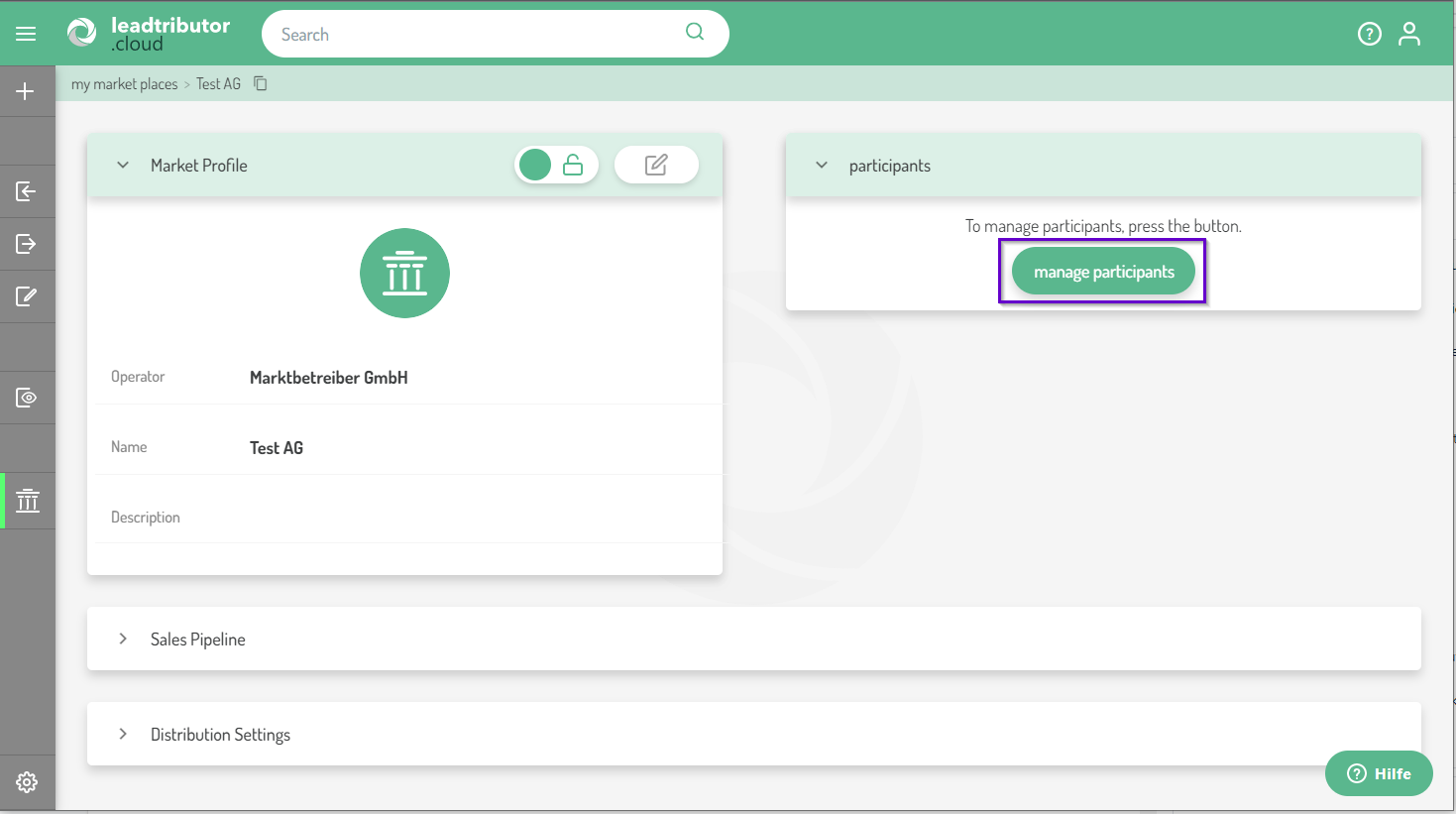
1. Open the participant management of the respective marketplace:
2. All sales partners are now displayed here, both lead acceptors (column "Offer" and lead providers (column "Accept"):
You can recognize active participants by the check mark. In this case, there are two active lead acceptors.
3. If you want to exclude these participants from the marketplace, remove the checkmark in the respective column of the partner:
Removed lead acceptors are no longer offered new leads via this marketplace. Existing leads that the lead acceptor is already working on remain visible and can be worked on. Removed lead providers can no longer offer leads via the respective marketplace.
Comments
0 comments
Please sign in to leave a comment.