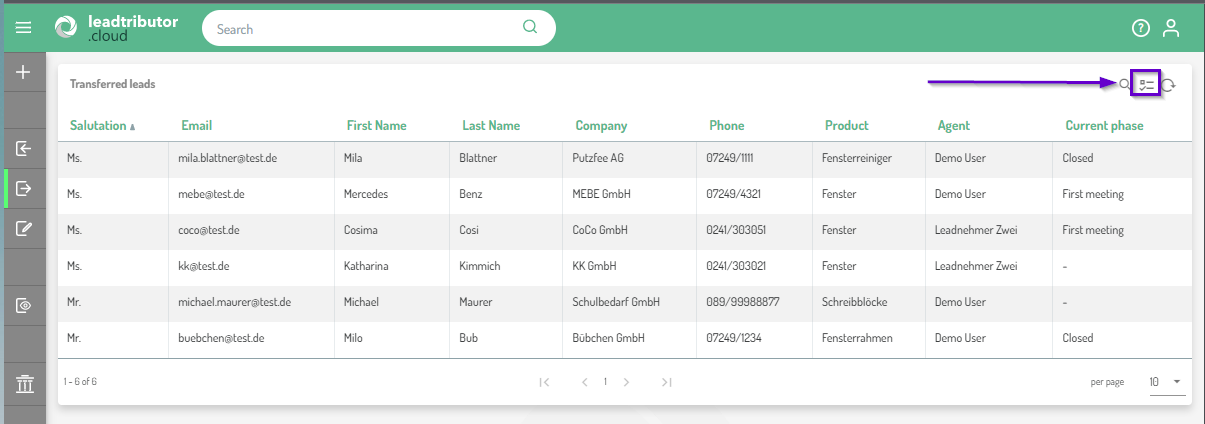
You can customize the view in all lead lists and show or hide columns in the overview. To do this, click on the column icon on the right above the respective lead list:
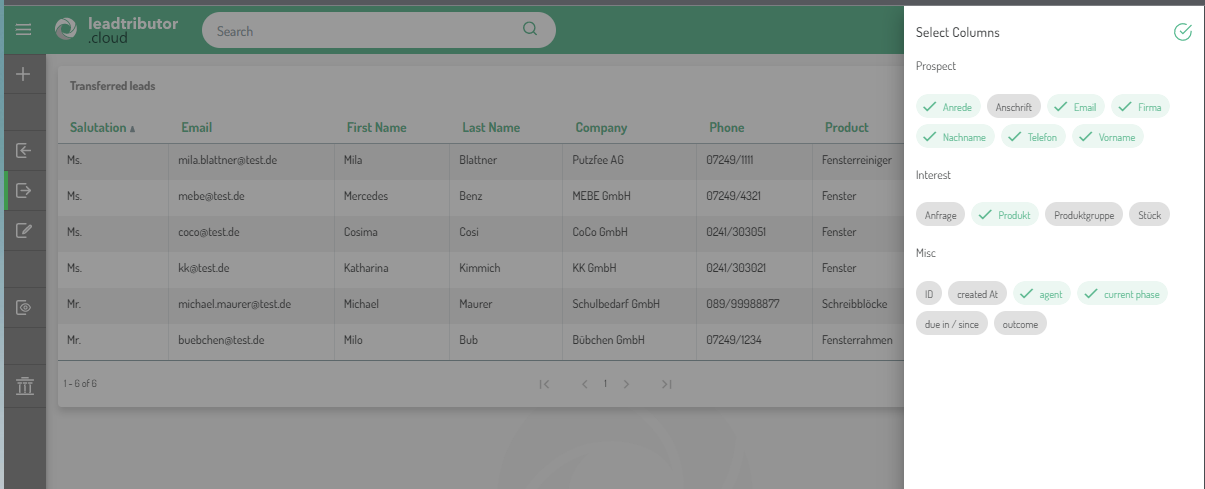
A window will open where you can now select the columns to be displayed:

You can customize the view in all lead lists and show or hide columns in the overview. To do this, click on the column icon on the right above the respective lead list:
A window will open where you can now select the columns to be displayed:
Comments
0 comments
Please sign in to leave a comment.