
If you have forgotten your password, you can reset it yourself in a few steps.
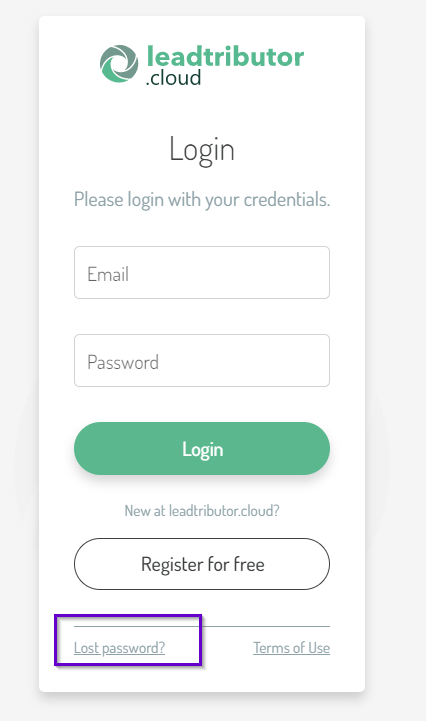
1. To do this, go to https://leadtributor.cloud. The login window appears, which contains a Lost password? button at the bottom left, which you can click accordingly.
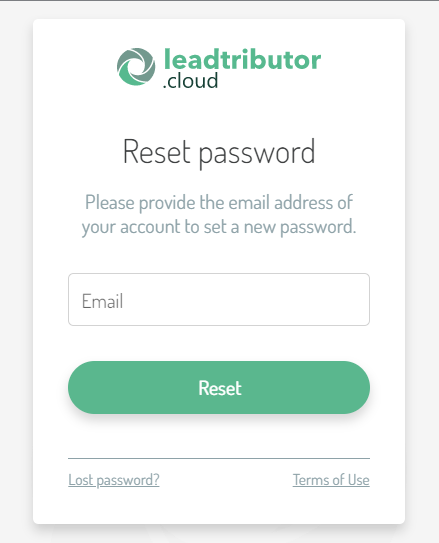
2. The following input mask will open. Enter your email address here and confirm the entry by clicking on Reset.
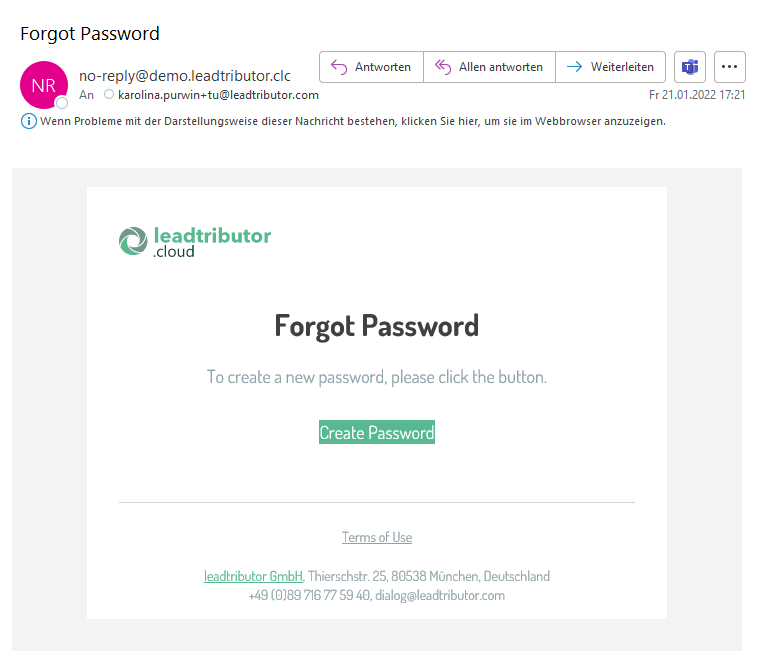
3. If your email address is known to us, we send you a link for creating a new password. Click on the link Create Password.
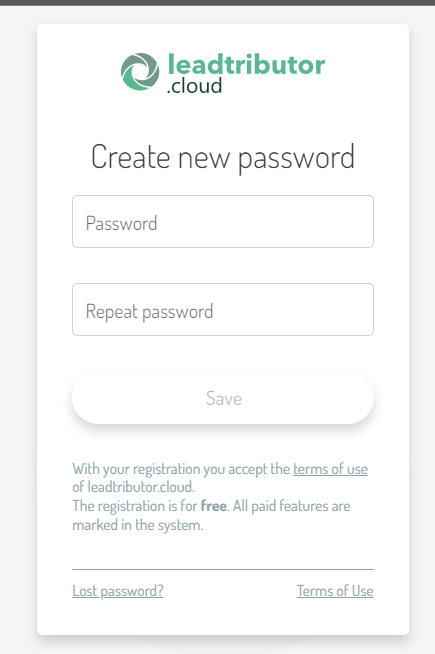
4. An input mask opens where you can now assign a new password. Then confirm the entry with Save.
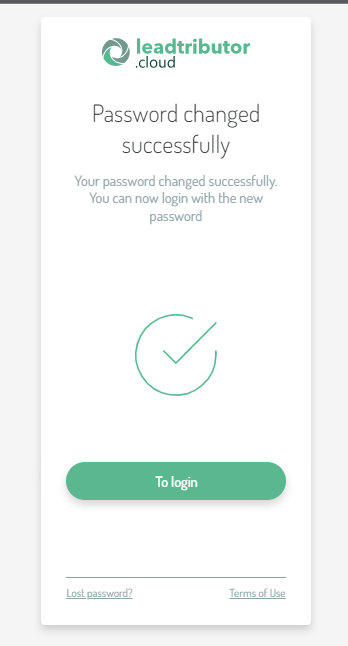
Your password is now changed and you can log in with your new password by clicking the To login button:
Comments
0 comments
Please sign in to leave a comment.